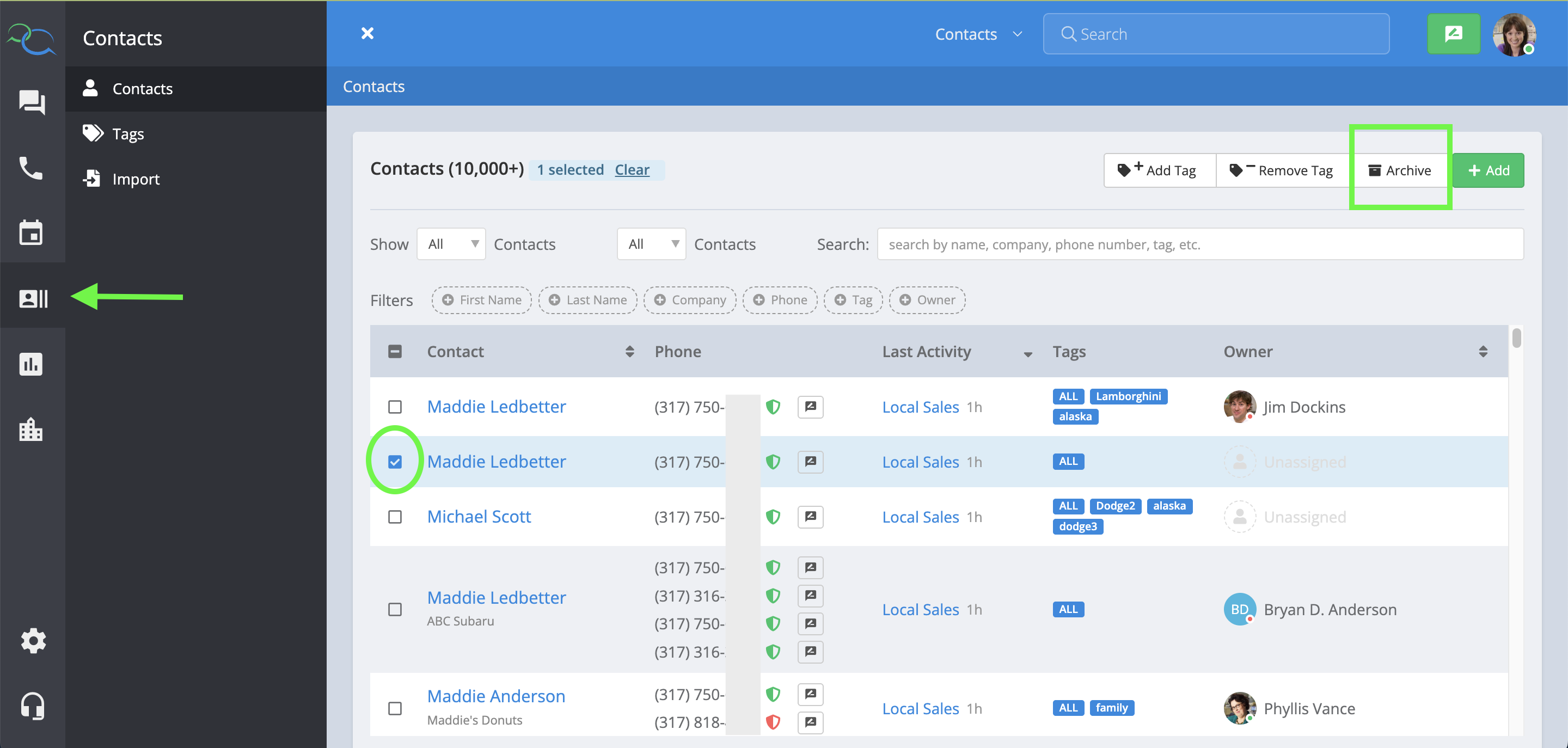
To delete a duplicate contact, go to the ‘Contacts’ sections on the left of your Captivated browser and search for the contact in the search bar. Once you find the duplicate contact, check the box to the left of the contact’s name and then click Archive. To see a full help center article on archiving contacts, click here.