
In the Administration section of Captivated, Administrators can set up Keyword Actions that trigger an auto-reply. With our latest update, you can now add or remove tags when a keyword is sent to your number in Captivated.
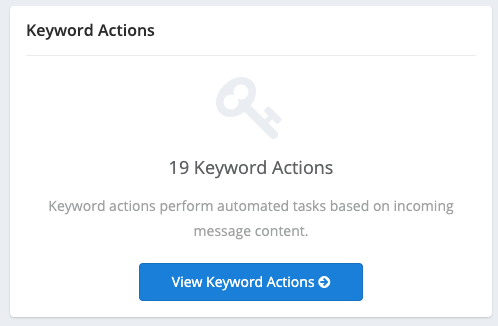
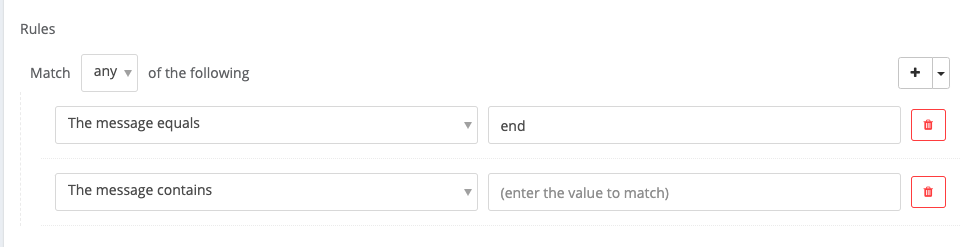
Set a specific rule or a group of rules and choose to Match “any” or “all” of your rules.
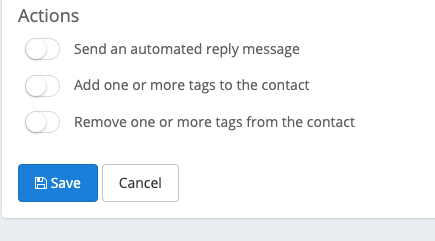
Additionally, when your rules are met, you can choose to:
- Send an automated reply message or one of your templates to the contact
- and/or add one or more tags to the contact record
- and/or remove one or more tags from the contact record
Keyword Actions are great for:
- Quickly sending answers to FAQs
- Directing a contact to another resource such as a link, Google Review request, form request, or payment request
- Adding and removing contacts to specific lists for announcements using tags – e.g. Subscribers to school closings and delays due to weather
- Allowing contacts to opt-in to receive texts related to “Specials”, “Sales”, etc.
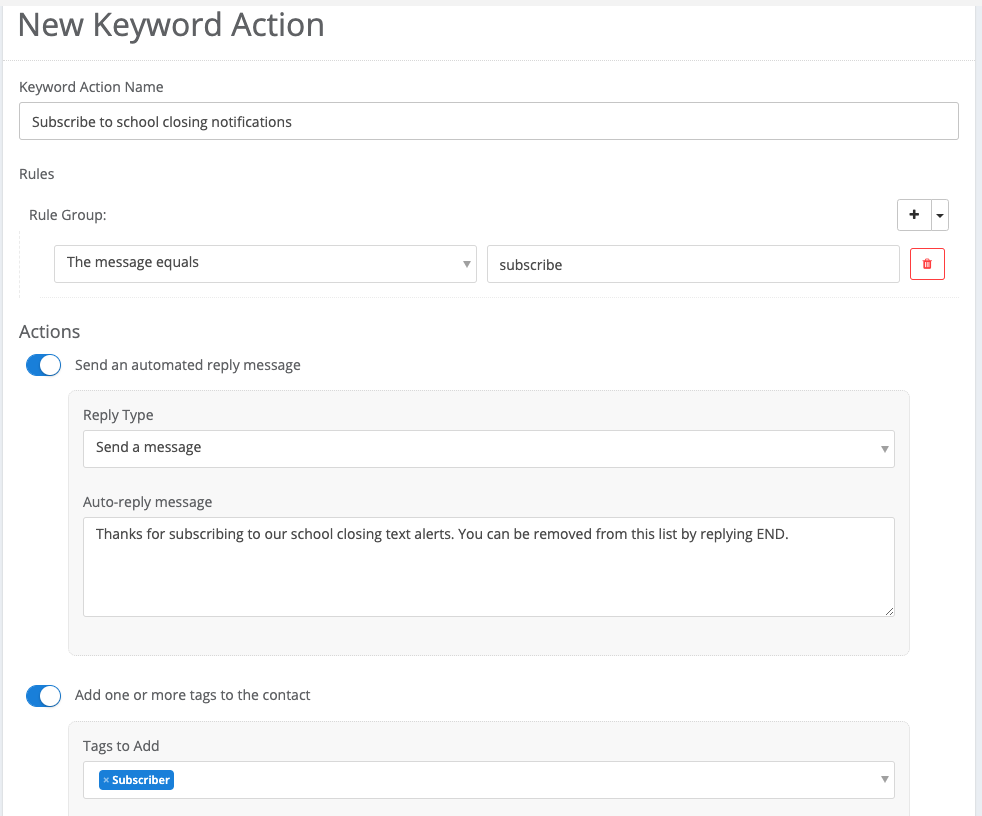

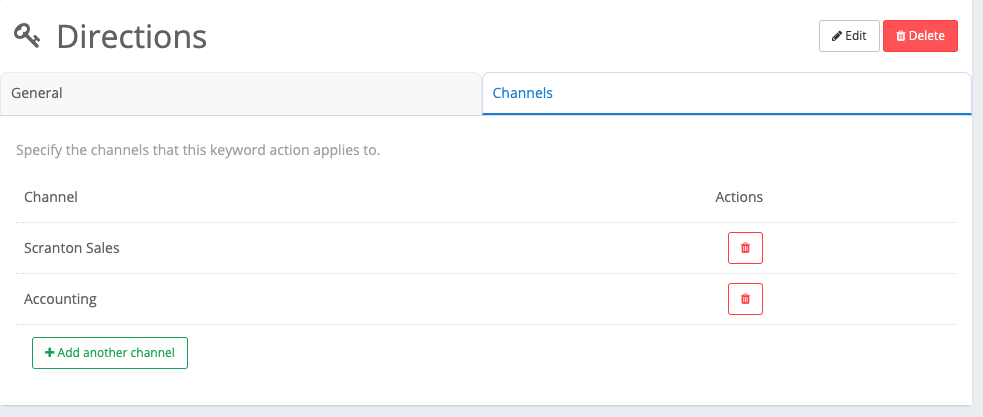
Once you’ve created a Keyword Action, be sure to choose which channel(s) you’d like it applied to under the “Channels” tab.
Questions? Our team will gladly double check your setup on a keyword action to make sure it’s functioning as desired.
You can chat with Captivated’s support team using the “Support” option in the left-hand menu of our app.